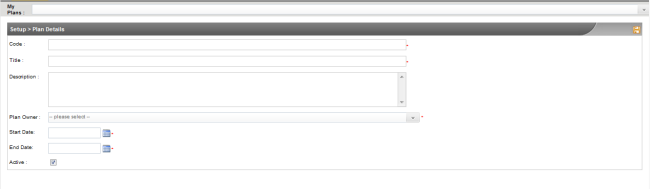
Use the "Create a New Plan" tab to create a new Specialist PlanShuttle Plan. You can create a copy of an existing plan by selecting a plan from the 'My plans' dropdown at the top of the screen.
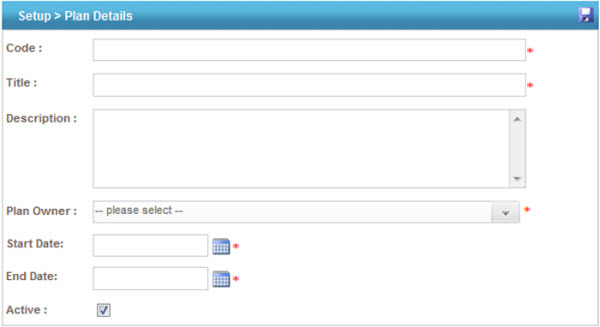
 |
You will be able to create new plans only if you have Administrative privileges. Refer User Roles Configuration for more information. |
STEP 1: Specify the following information:
|
Field |
Description |
|
Code |
Specify the plan ID |
|
Title |
Enter the name |
|
Description |
Specify a description for the Plan |
|
Plan Owner |
Select a Plan Owner for each plan. The staff in the drop down list will be listed from Planning Administration > Staff Managementinterplan® users. |
|
Start Date |
Specify a starting date for the Plan |
|
End Date |
Specify an end date for the Plan |
|
Active |
Select to make the plan active |
STEP 2: Click the "Save" button.
Copyright © 2014-2015 CAMMS Online Help. All rights reserved.
Last revised: September 23, 2018