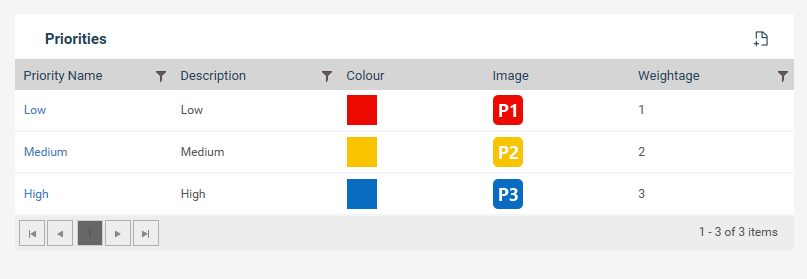
You can categorize an incident according to its priority.
To customize a priority follow the below steps.
Step 1: Navigate to Framework > Incident Settings > Priority
Step 2: Click the plus icon to add a new Priority.
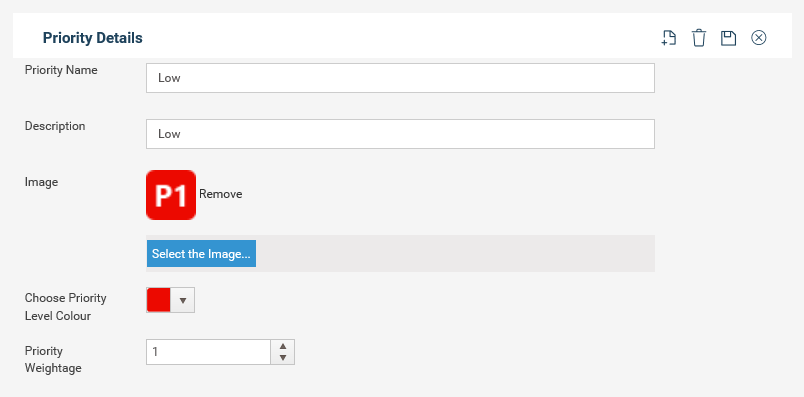
Step 3: Fill in the relevant fields
|
Field |
Description/Instructions |
|
Priority Name |
Define a title for the priority |
|
Description |
Enter a description |
|
Image |
You can customize an image of your own. The maximum size should not exceed 2KB |
|
Priority Level Color |
Choose a color from the colors available to represent the priority |
|
Priority Weightage |
Define a weightage for the priority |
Step 4: Click the save button.
Copyright © 2014-2015 CAMMS Online Help. All rights reserved.
Last revised: September 23, 2018